
Overview
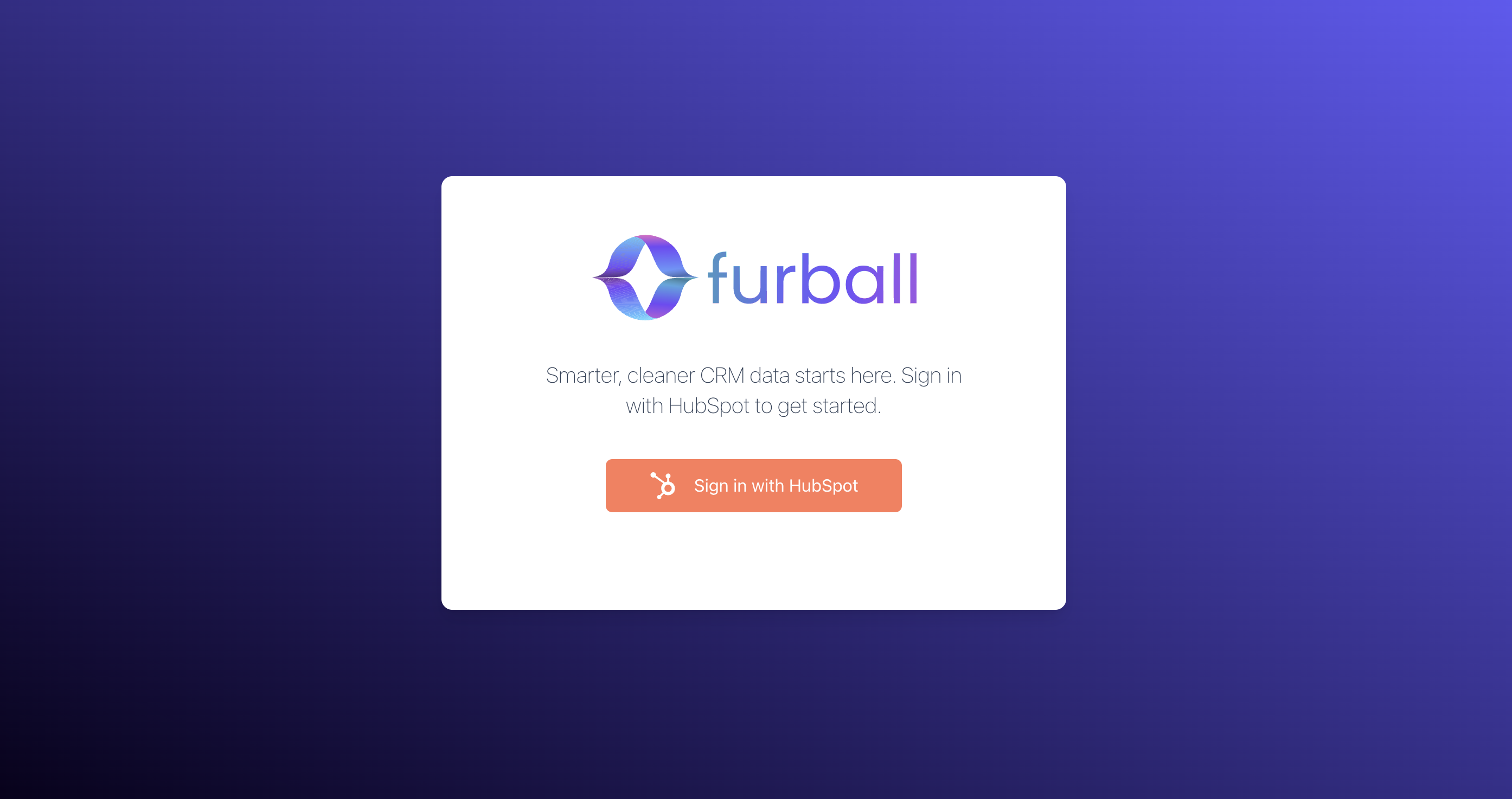
This workspace is designed for HubSpot users who need to work inside the correct portal context. After sign-in, furball Data Suite takes you to the portal workspace you have access to so you can review audits, reference data, and standardization tools for that environment.
What this means for users
- You sign in with your HubSpot account
- You work inside a portal-specific workspace rather than a generic shared view
- Your access is tied to the portals available to your account
Why it matters
Portal-specific access helps make sure users are reviewing the right CRM data and working in the right business context. This is especially important for teams that manage more than one portal or separate business units.
How to use it
- Sign in with the HubSpot account that should have access to the relevant portal
- Confirm you are working in the correct portal before reviewing audit findings or changing settings
- If your team uses more than one portal, switch to the correct workspace before taking action on findings
If access does not look right
- Confirm you signed in with the expected HubSpot user
- Check whether you should have access to the portal you are trying to open
- Ask an internal admin to verify your portal access if you cannot reach the correct workspace
What to do next
Once you are in the correct portal, begin with CRM Audit Summary to understand the highest-priority issues in that environment.